Microsoft Secure Score Series – 07 – Turn on sign-in risk policy
Turning on the sign-in risk policy ensures that suspicious sign-ins are challenged for multi-factor authentication.

Category
Turning on the sign-in risk policy ensures that suspicious sign-ins are challenged for multi-factor authentication.
Today, most compromising sign-in attempts come from legacy authentication. Older office clients such as Office 2010 don’t support modern authentication and use…
With self-service password reset in Azure AD, users no longer need to engage helpdesk to reset passwords. This feature works well with Azure AD dynamically…
Multi-factor authentication (MFA) helps protect devices and data that are accessible to these users. Adding more authentication methods, such as the Microsoft…
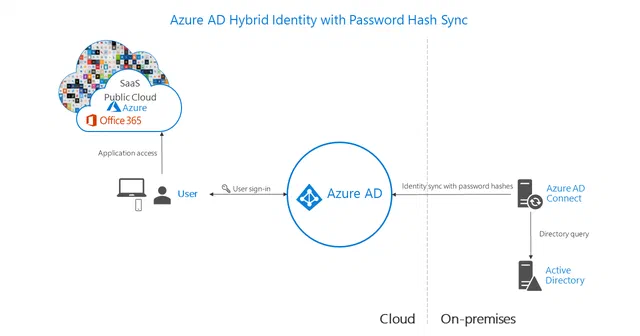
Password hash synchronization is one of the sign-in methods used to accomplish a hybrid identity. Azure AD Connect synchronizes a hash, of the hash, of the…
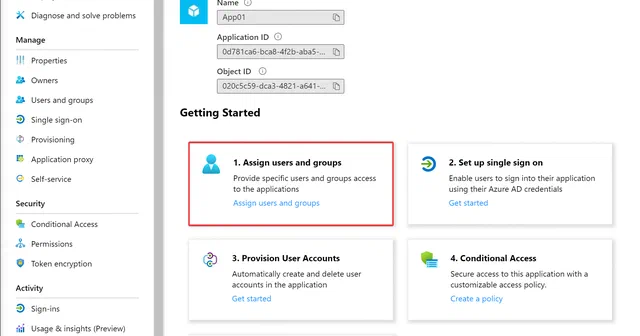
Using Azure Application Proxy you can publish your on-premises web applications in a secure way. Combining this with Conditional Access, you can configure MFA…
Requiring multi-factor authentication (MFA) for all administrative roles makes it harder for attackers to access accounts. Administrative roles have higher…
Update 7-7-2020: Microsoft anounced that you no longer need a Cyren subscription. Web content filtering will be offered as part of Microsoft Defender ATP…
This article shows how you can block MFA and SSPR registrations from untrusted locations using Azure AD Conditional Acces.
Today a quick tip to secure your Azure Management Portal. By default, the inactivity timeout of the Azure Management portal is set to 'Never'. From a security…